
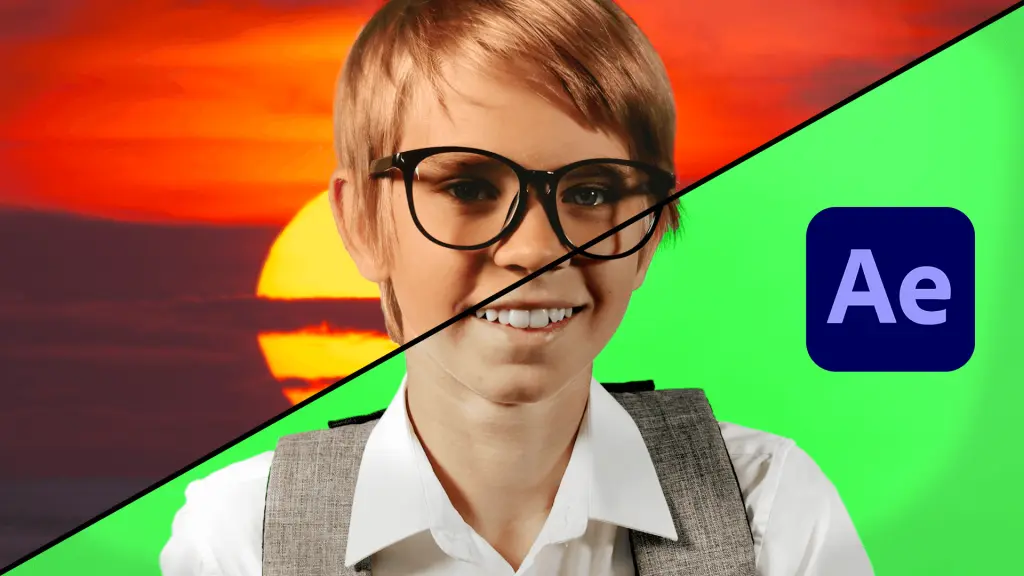
2 – Firstly, head over to the Effects and Presets tab, and in the search bar, type in: Keylight. What you want to select is the combined effect named Keylight, Key Cleaner and Advanced Spill Suppressor. Drag this effect over your footage.
8 – At this point, there may still be a bit of green around the edges of your subject. If there is, the easiest fix would be to return to your Effects Control panel and turn on Advanced Spill Suppressor.
Our comprehensive range of services is specifically designed to cater to all your production needs. We strive to be a one-stop shop for our clients, allowing them to take advantage of economies of scale and receive a consistent campaign or project.










Whether you want to tell us about a project or just say hi, contact us!

