2.5D animation — sometimes called pseudo-3D or parallax animation — creates the illusion of three-dimensional depth using two-dimensional artwork. In 2026, this technique remains one of the most cost-effective ways to add visual sophistication to animated content without the full investment of 3D production. By layering 2D elements at different depths and applying camera movements like panning, zooming, and rotation, 2.5D creates a sense of space and immersion that flat 2D animation cannot achieve. It is widely used in explainer videos, title sequences, social media content, and interactive web experiences where visual impact needs to balance with production efficiency.

How 2.5D Animation Works
The core technique behind 2.5D animation involves separating a 2D illustration into distinct layers — foreground, midground, and background elements — and placing them at different positions in Z-space within a compositing application like After Effects or a game engine. When a virtual camera moves through this layered scene, parallax creates the natural depth cue that our eyes expect: closer objects move faster, distant objects move slower. Adding subtle lighting effects, shadow casting, and atmospheric perspective enhances the illusion further. The result is animation that feels dimensional and cinematic while being produced from flat artwork at a fraction of the cost and time of true 3D.
When to Choose 2.5D
2.5D animation is ideal for projects that need more visual depth than standard 2D but do not require full 3D modeling and rendering. It works exceptionally well for illustrated explainer videos, animated infographics, editorial and documentary sequences, and stylized brand content. The technique is particularly effective when working with existing illustration assets — a beautifully illustrated scene can be transformed into an immersive animated sequence by separating and layering its elements. At Pixeldust, we often recommend 2.5D for clients whose brand identity is rooted in illustration, where jumping to full 3D would sacrifice the distinctive visual character they have already established.
Modern 2.5D workflows leverage tools that make the technique more accessible and powerful than ever. Adobe After Effects remains the industry standard for layer-based parallax animation, while game engines like Unity offer real-time 2.5D environments for interactive applications. AI-powered tools can now automatically separate flat images into depth layers, dramatically accelerating the setup process that once required painstaking manual work. Whether you are creating a single social media post or a full explainer video series, 2.5D animation offers a sweet spot of visual quality, production efficiency, and creative flexibility.
4 – Name this layer and duplicate the background. Now you’ll have another layer to start selecting the mid-ground layer. Go back up to the Magnetic Lasso, and start separating the mid-ground from the background, just like with the subject. Repeat the steps done in 1, 2, and 3 for this second layer. Make sure to take your time and fine tune the selection.
Tools and Techniques for 2026
5 – Once you have completed separating the foreground, mid-ground, and background, save the project.
6 – Now you’re ready to continue the process in After Effects. Import the Photoshop file, making sure you have “create composition” selected and “retain layer sizes”. This will bring in all of our layers at the editable Layer Styles should be the option selected as well
AFTER EFFECTS
6 – Now you’re ready to continue the process in After Effects. Import the Photoshop file, making sure you have “create composition” selected and “retain layer sizes”. This will bring in all of our layers at the editable Layer Styles should be the option selected as well
7 – Create these layers into 3D objects. To do this, select the cube icon. Bring up your subject and mid-ground. Usually, you would have the mid-ground and foreground separated. In this case, since the subject is on top of the mid-ground, you want to make sure they are linked. Next, create keyframes to move the subject on the Z-axis forward or backward. Since the mid-ground is linked, the two will move together in this case.
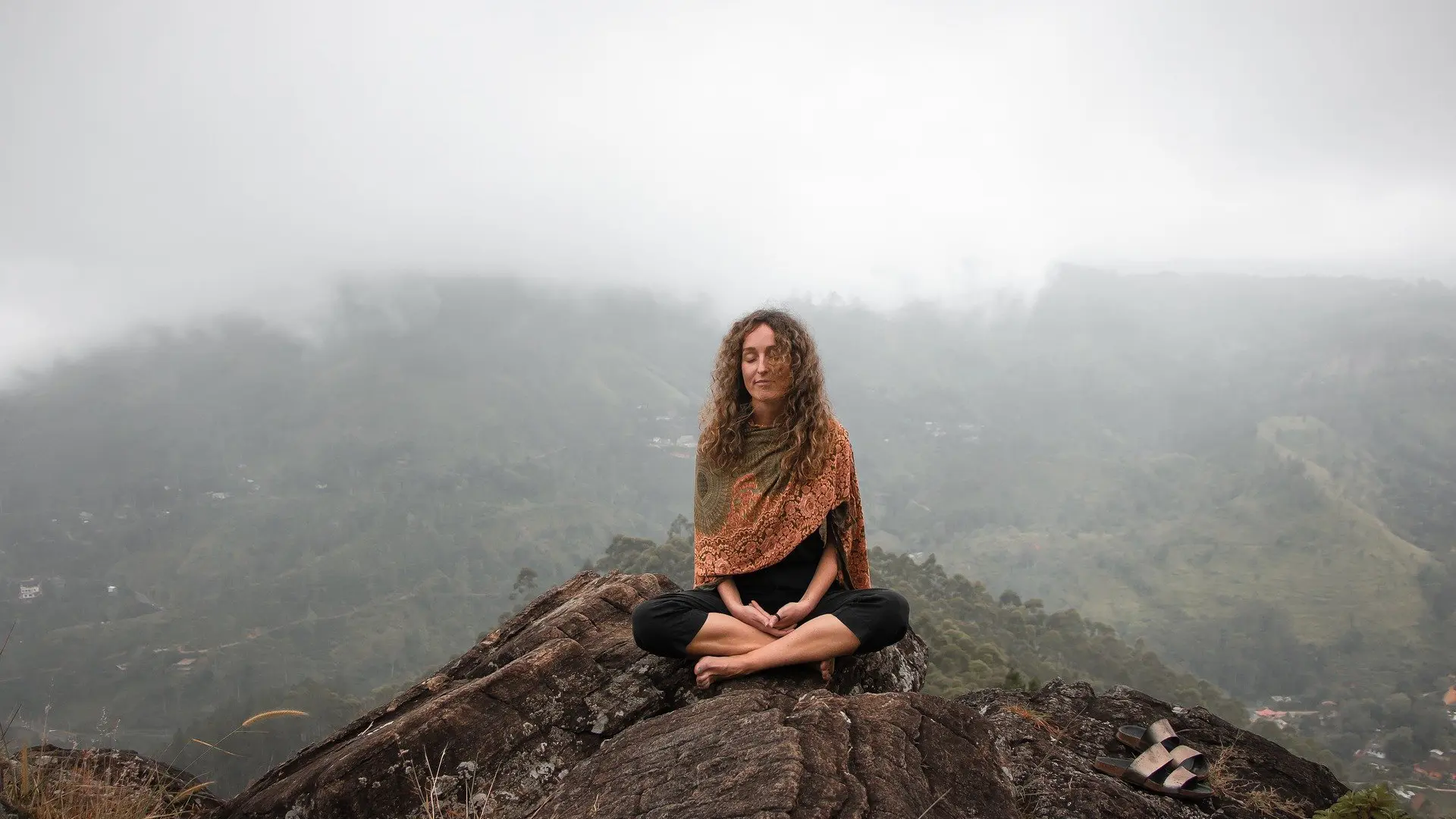
8 – Next, adjust the background by scaling it up so that the background is a little more zoomed in. As she starts pulling out, it will also reveal more of the background. We’re going to create a cool optical effect known as a dolly zoom. To do this, flip these two keyframes, so the background will be moving forward while the subject is moving back.
9 – Make this even more interesting and give everything a little bit more depth by adding a camera, by navigating our top menu to Layer > New > Camera. The 50mm option is okay. Make sure this new camera layer is at the top of your composition. Now this camera will allow you to travel through the shot.
10 – At this stage, the basic 2.5D effect should be achieved. You can further improve the shot by adding effects and more 3D eye-candy, such as light flares, particles, etc. Check out Videvo for some royalty-free resources.
Here is the final 2.5D animation. These are just the basics, but with a few adjustments you can make it look really cinematic, and it is an effect that can be used to improve almost any still image used in your productions. We hope you enjoyed this tutorial and find it helpful. Stay tuned for more tutorials coming soon!