Animated explainer videos have become the go-to tool for businesses that need to communicate complex ideas quickly and memorably. In 2026, the explainer video market continues to grow as companies across every industry recognize that a well-crafted 60 to 90-second animation can do what pages of text and hours of meetings cannot — make something complicated feel simple. Whether you are launching a new product, onboarding customers, training employees, or pitching investors, an animated explainer video distills your message into a visual story that audiences understand, remember, and act on.
Start with the Story, Not the Animation
The most common mistake in explainer video production is jumping straight to visual style before nailing the narrative. A beautiful animation built on a weak script will underperform a simpler animation built on a compelling story every time. Start by identifying the single most important message your audience needs to take away. Then build a narrative arc: establish the problem your audience faces, introduce your solution, show how it works, and end with a clear call to action. At Pixeldust, we begin every explainer project with a scripting and storyboarding phase that ensures the narrative foundation is solid before a single frame is animated.

Align your video with your audience’s preferences…
Choosing the Right Visual Style
The visual style of your explainer video should match your brand identity, audience expectations, and message complexity. Flat 2D animation works well for straightforward concepts and casual brand voices. Isometric illustrations add depth while maintaining clarity for process-oriented content. Character-driven animation creates emotional connection for consumer-facing messages. And 3D animation is ideal for product demonstrations, medical visualizations, and technical explainers where spatial relationships matter. In 2026, many studios also offer hybrid styles that combine live action with animation, or 2D characters in 3D environments, creating distinctive looks that set brands apart.
Creating a great explainer video is only half the job — distribution strategy determines whether it reaches your audience and drives results. Optimize your video for each platform: shorter cuts for social media, full versions for your website and YouTube, and silent-friendly versions with captions for feeds where autoplay is muted. Track engagement metrics — watch time, drop-off points, click-through rates — and use them to refine future content. A well-distributed explainer video can work for years, continuously driving traffic, generating leads, and reducing support inquiries long after the initial production investment.

Keep the script concise and focused.
Distribution and Optimization
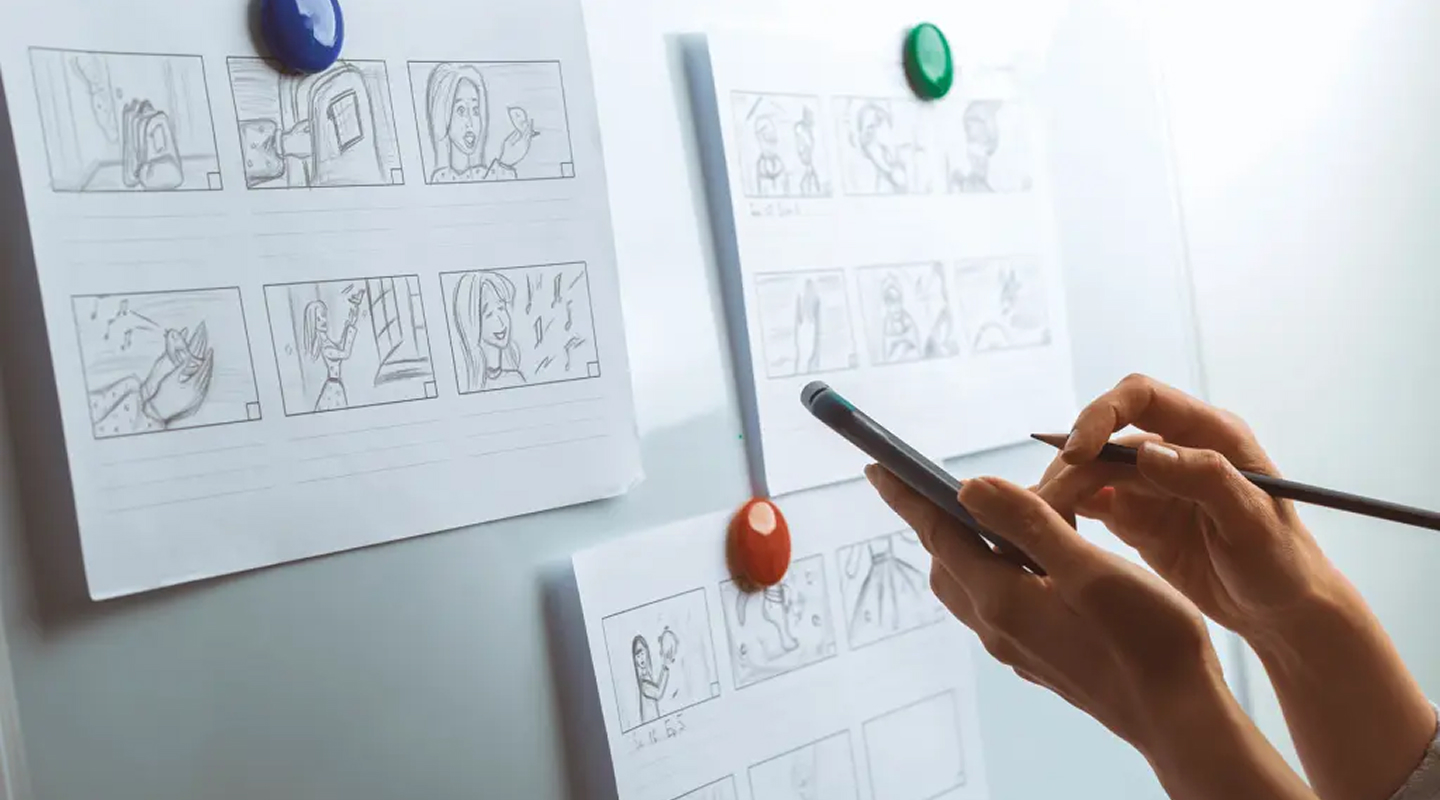
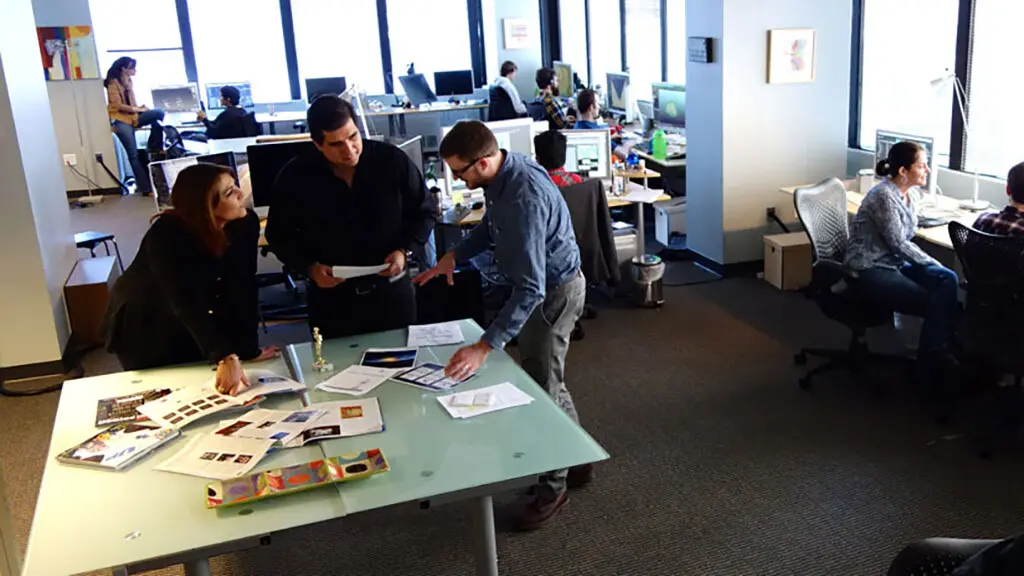
Storyboarding is a critical step in visualizing your animated explainer video. Create a sequence of rough sketches or illustrations that represent each scene or frame in the video. This visual roadmap helps in planning the visual progression, transitions, and overall composition of the video. Pay attention to the spatial arrangement of elements and the timing of each shot. Consider the visual style that aligns with your brand identity and resonates with your target audience. Choose colors, characters, and graphics that enhance understanding, create a cohesive visual narrative, and reflect the desired tone of your video.

Pay attention to the spatial arrangement of elements and the timing of each shot…
Bring the Animation to Life
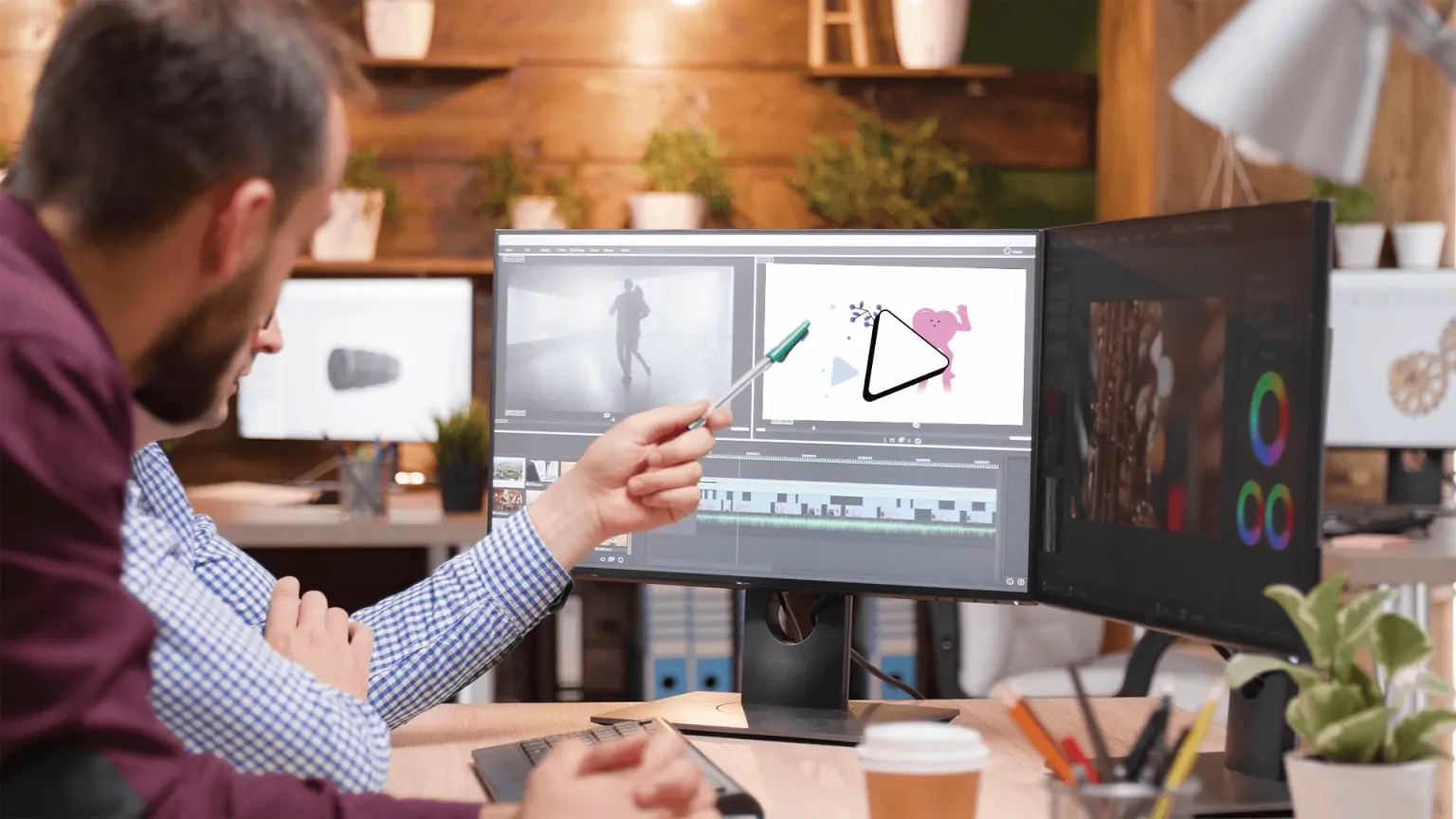
Using animation software or collaborating with an animation studio, it’s time to transform your storyboard into a dynamic animated explainer video. Start by animating the key elements and characters in each scene, paying attention to timing, pacing, and movement. Smooth transitions and engaging visuals enhance the viewer’s experience. Consider incorporating visual effects, such as text overlays, motion graphics, or animated icons, to emphasize important information and improve comprehension. Ensure that the animation aligns seamlessly with the script, reinforcing the message and maintaining the viewer’s interest.

Ensure that the animation aligns with the script, and reinforces the viewer’s interest.
Select the Right SOUNDS
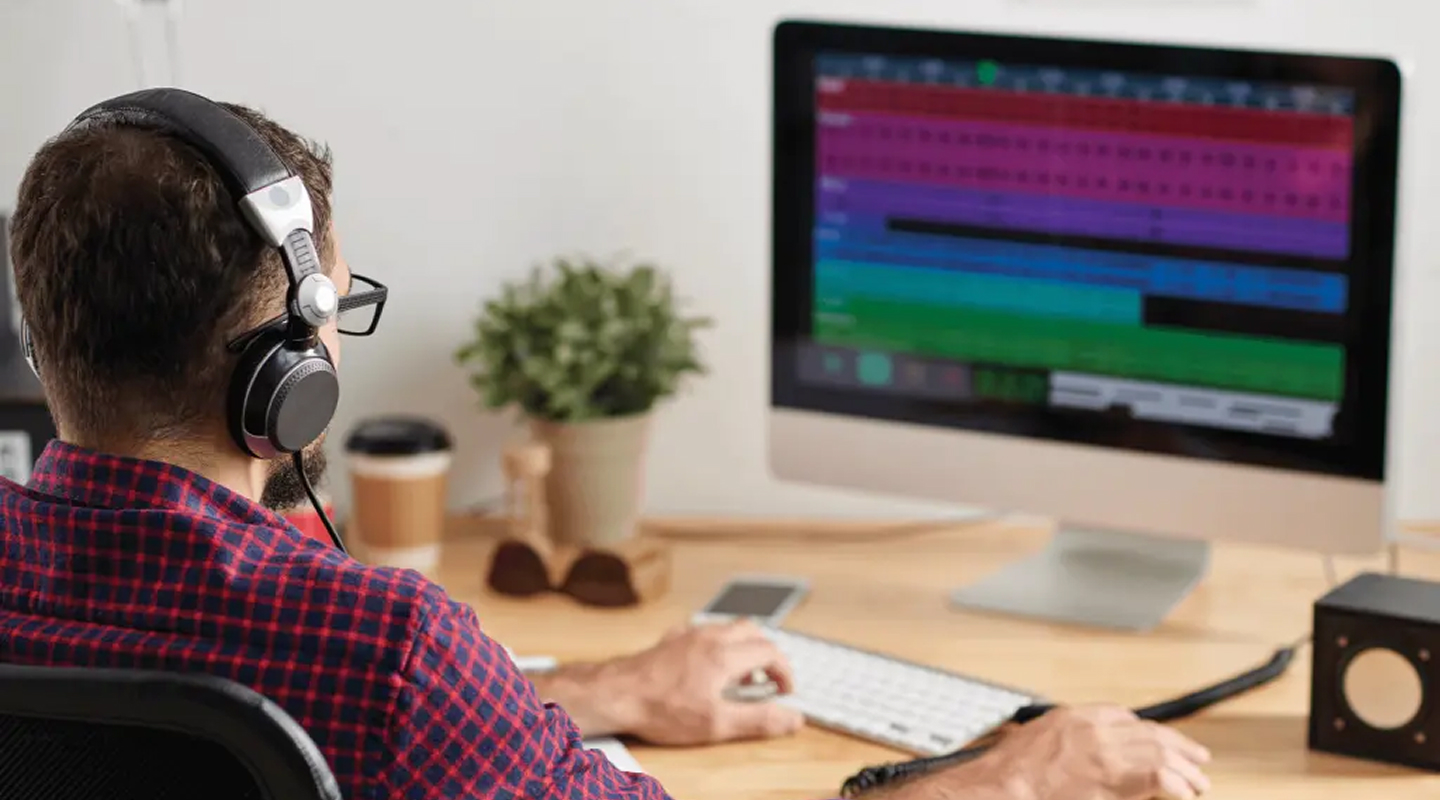
Voiceover narration plays a vital role in conveying your message effectively. Select a professional voiceover artist whose tone and style align with the desired tone of your video. Ensure the voiceover is clear, articulate, and matches the pacing of the animation. The voice should complement the visuals and help guide the viewer through the story. Additionally, invest time in sound design. Choose suitable background music that complements the mood and pacing of the video. Incorporate sound effects and audio cues that enhance the overall viewing experience, capturing attention and reinforcing key moments within the narrative.

Choose sound cues that reinforce the key moments within the narrative.
finding the right partner
Creating an effective animated explainer video requires careful planning, attention to detail, and a focus on your target audience. By defining your objective, crafting a compelling script, storyboarding, bringing animation to life, selecting the right voiceover and sound design, and conducting thorough reviews, you can create a captivating and impactful animated explainer video. With this step-by-step guide as your roadmap, you’ll be well on your way to creating an engaging and effective tool that effectively communicates your message and captivates your audience. At Pixeldust, we understand how to create a powerful explainer for any client. The proof is in the pudding – check out some highlights from our 2D reel below.