Work/Case study

Challenger Center – Mars Community Builder AR

ClientChallenger Center
ProjectMars Community Builder AR
Production partner
Timecode00:00:00:00
01 — Overview

What would it take to live on Mars? With Challenger Center, Pixeldust built Mars Community Builder, an augmented reality experience where middle schoolers explore the modules of a Mars base and assemble a sustainable community of their own.

A permanent base on Mars will need building modules and equipment that keep astronauts alive: food, fuel, water, energy and oxygen. Mars Community Builder turns that challenge into a hands-on STEM lesson for students in middle school and up.

Built by Pixeldust for Challenger Center, the interactive AR experience runs as a two-part mission. First, students learn about every module and piece of equipment, exploring each one up close in AR or VR. Then they put that knowledge to the test, laying out their own community in augmented reality, where it is evaluated for sustainability as they make Mars Community One a reality.

Watch the full AR sequence — Mars Community Builder1:25
02 — The work

Inside an educational AR experience

Mars and its landing sites, right on your desk

Students explore the planet in AR and discover landing sites and other information without leaving their desks. They can also pop the Earth Return Pad on top of the desk, the pad crew members use to launch from and land on the surface of Mars.
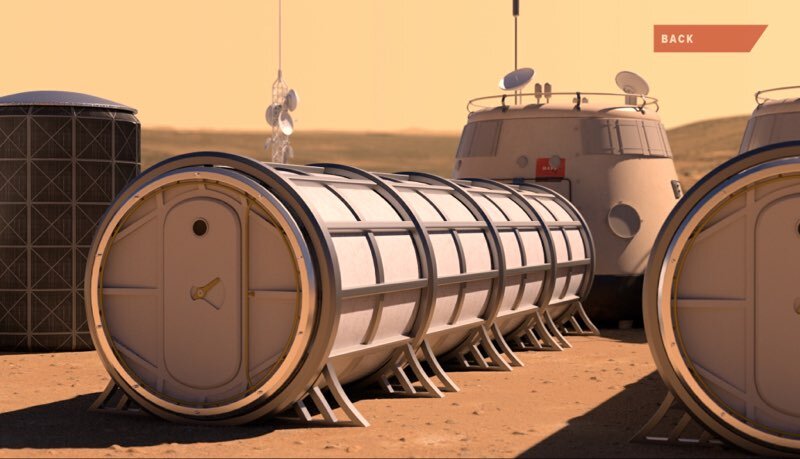
Mars base modules on the Martian surface
Watch
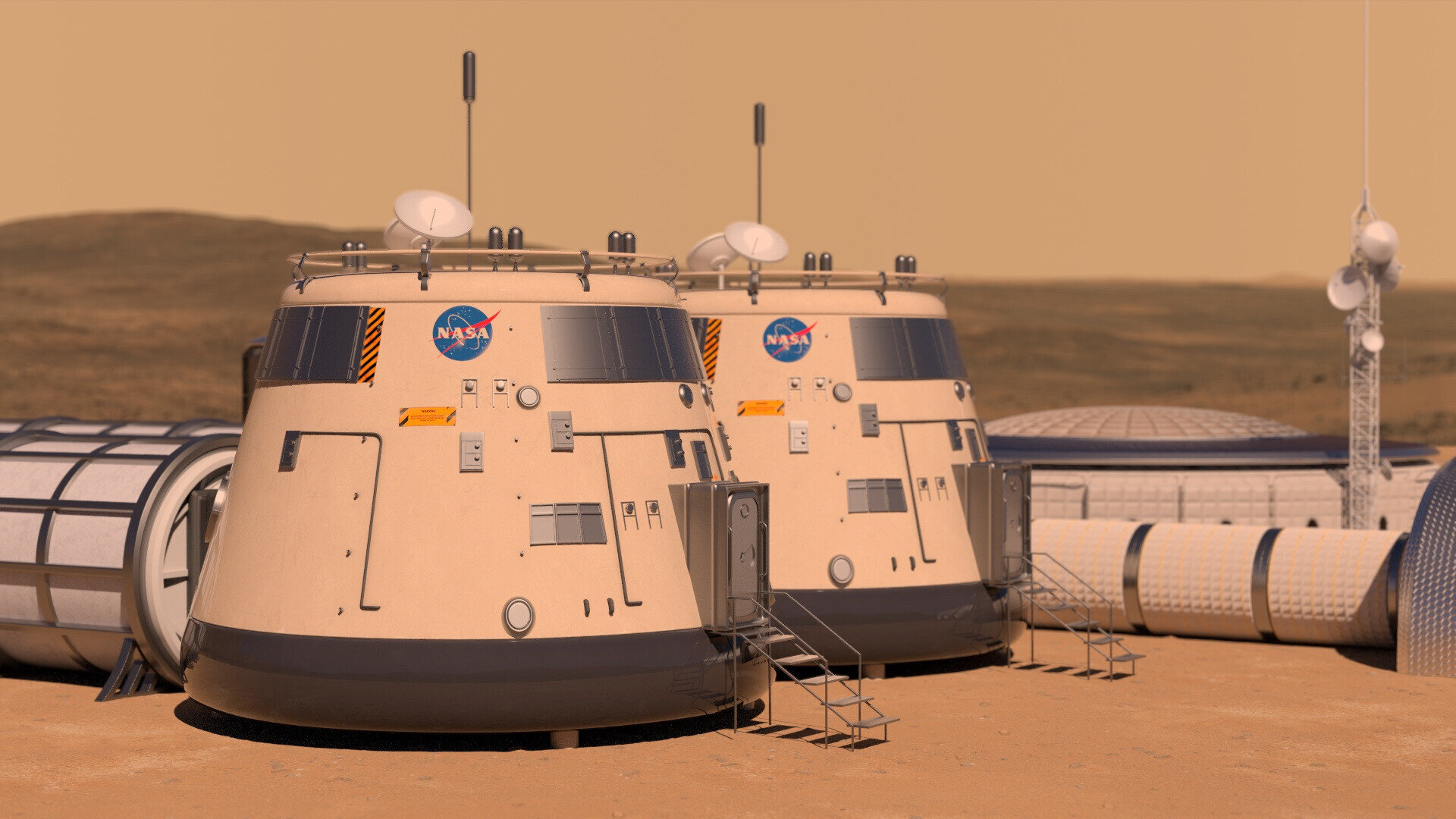
The Mobile Habitat Lander

The Mobile Habitat Lander lets the crew land safely on Mars and carries astronauts from one place to another on the Martian surface. Info cards explain what each module does and why the community needs it.

Watch
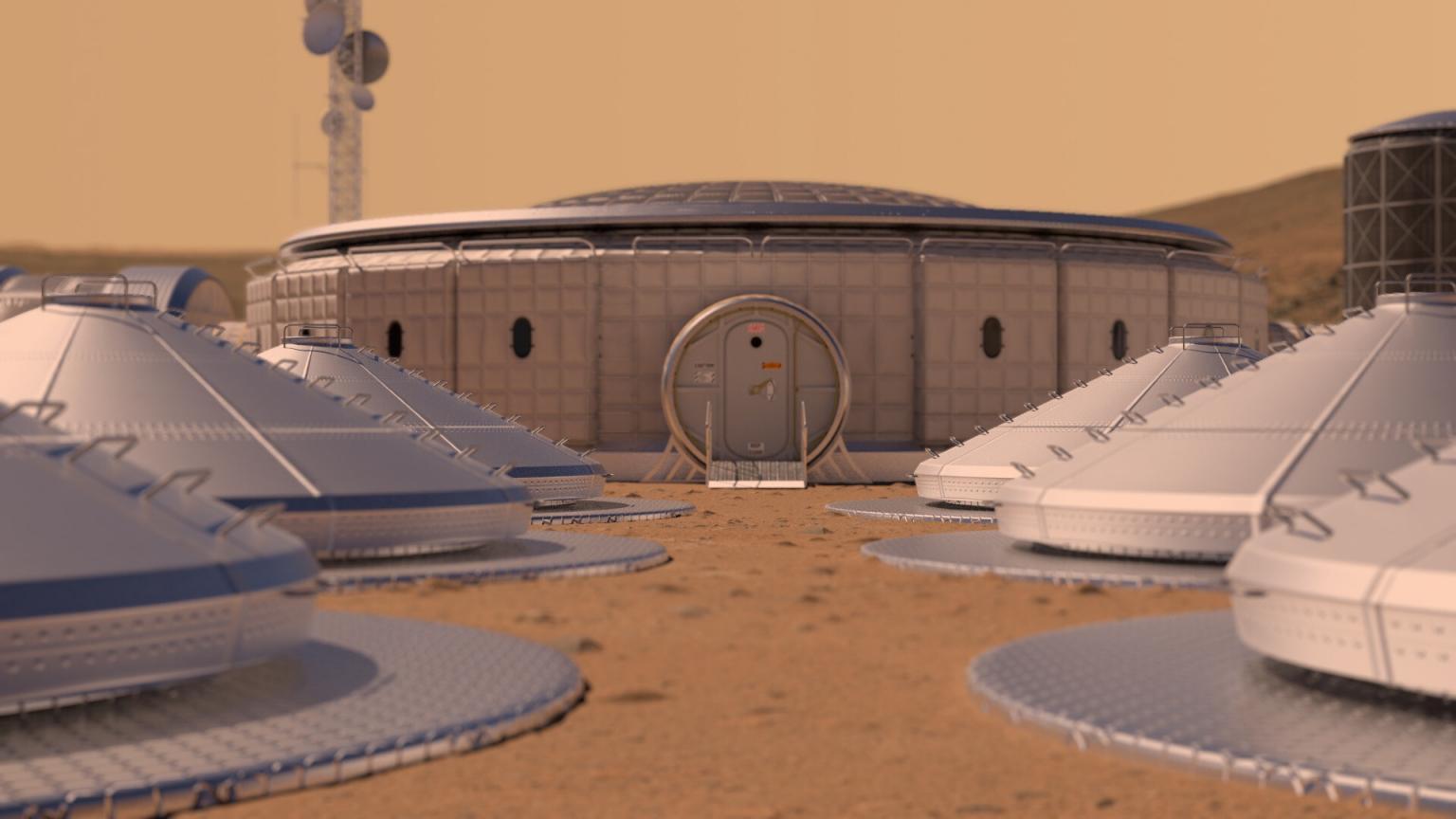
The Communications Center

Students spin around the Communications Center, the module that keeps astronauts on Mars in touch with people on Earth.
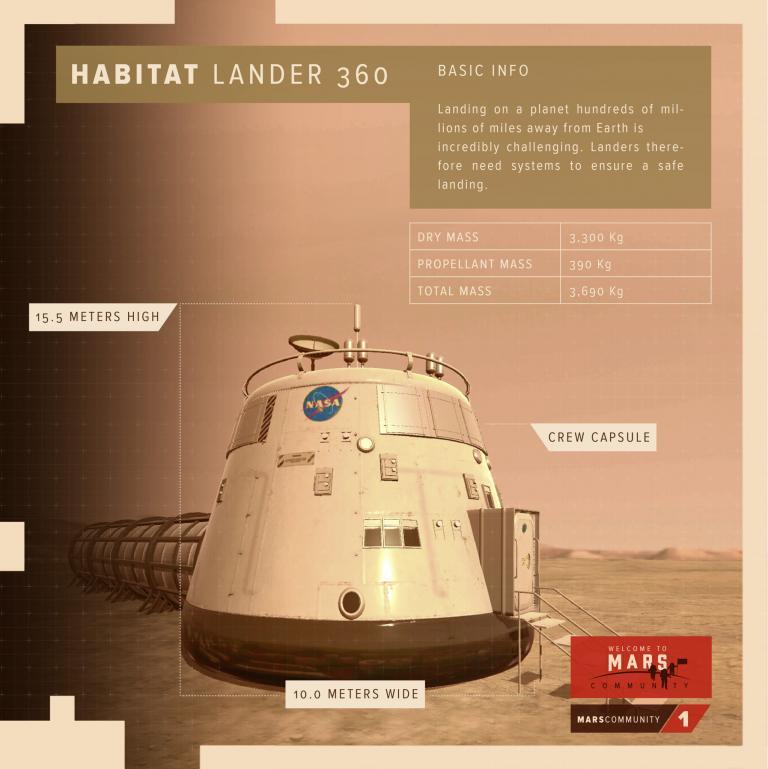
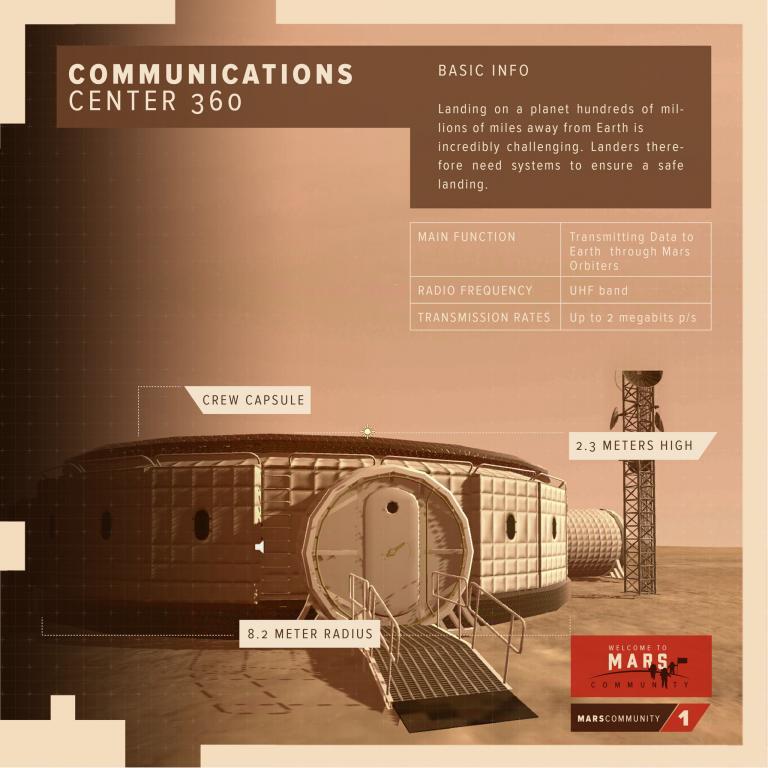
Habitat Lander 360 info card
Communications Center 360 info card
Watch
The Greenhouse and production equipment

The Greenhouse grows plants that clean the air, produce oxygen and feed the crew. A Mars base needs two kinds of equipment: modules that provide services to people, and production equipment that makes food, fuel, water, energy and oxygen to support the community.
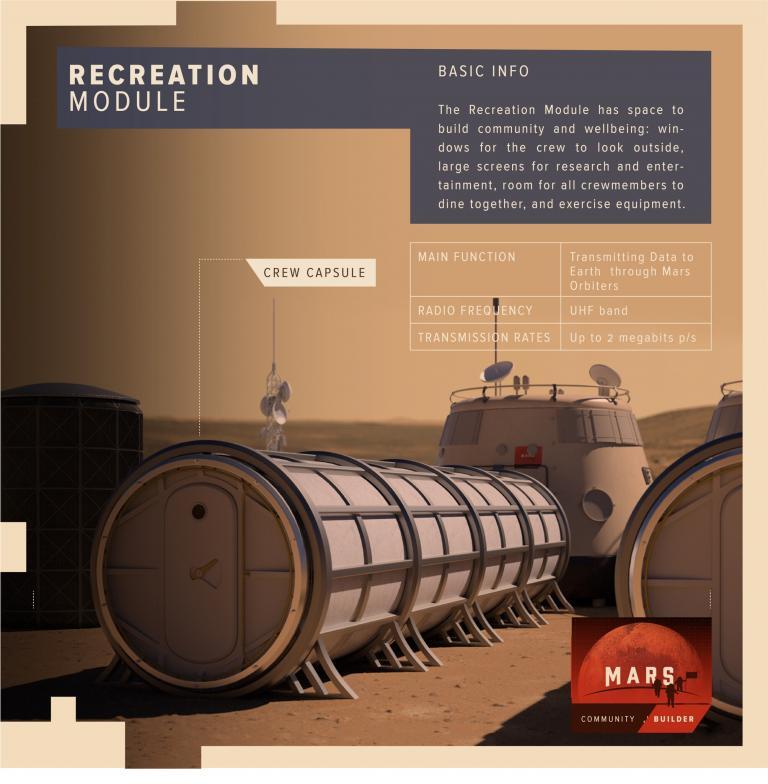
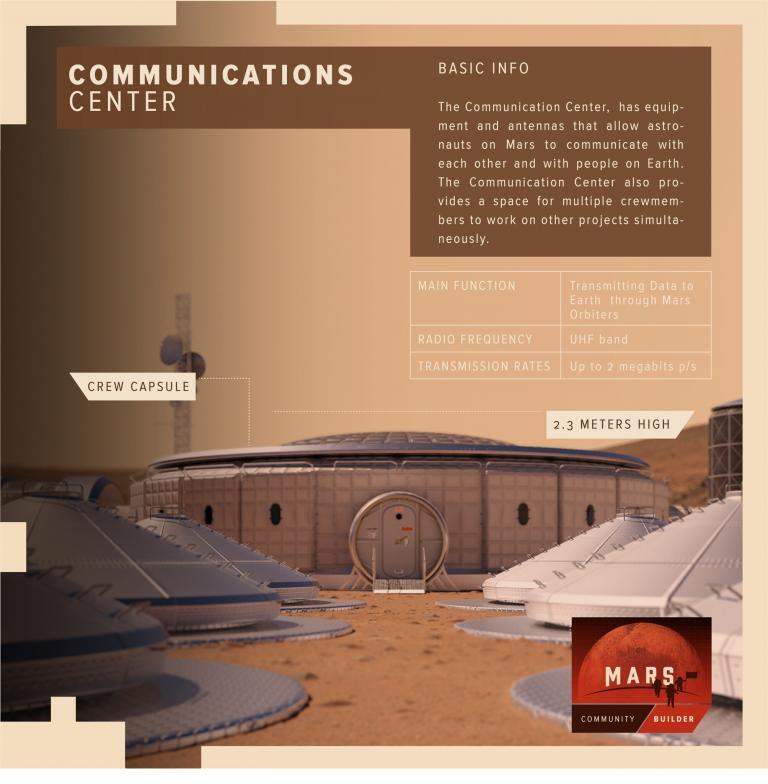
Recreation Module info card
Communications Center info card
Watch
AR and 360° views of every module

In part one of the mission, students learn the characteristics and features of each building module and piece of equipment, exploring every module individually in AR or VR, or in 360° on the web by dragging the mouse to spin around in any direction.
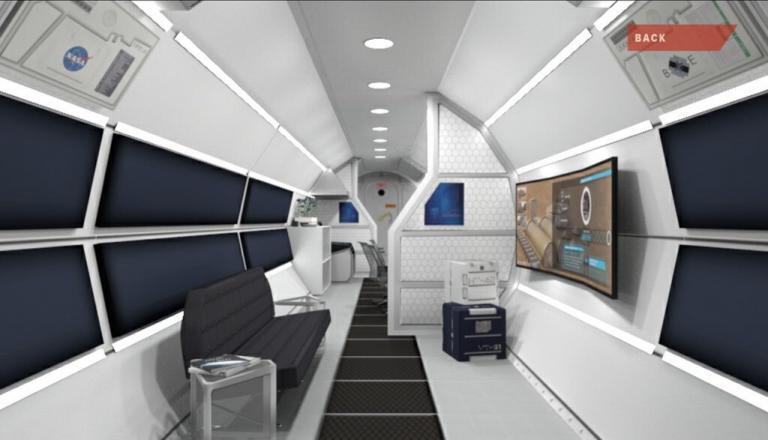
Inside a Mars habitat module in 360°
Watch
Build your own Mars community in AR

In part two, students use AR to put their equipment knowledge to the test, choosing the equipment and layout for their own community, either in a guided build or free-form. When they finish, the community is evaluated for sustainability.
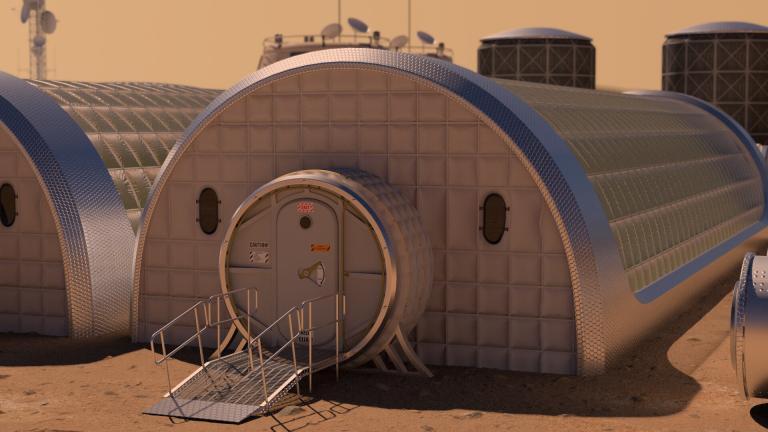
Habitat modules connected on Mars
Watch
03 — Stills

Frames from Mars Community Builder

Ready to start your project? — Let's make it happen. →